Hey friends,
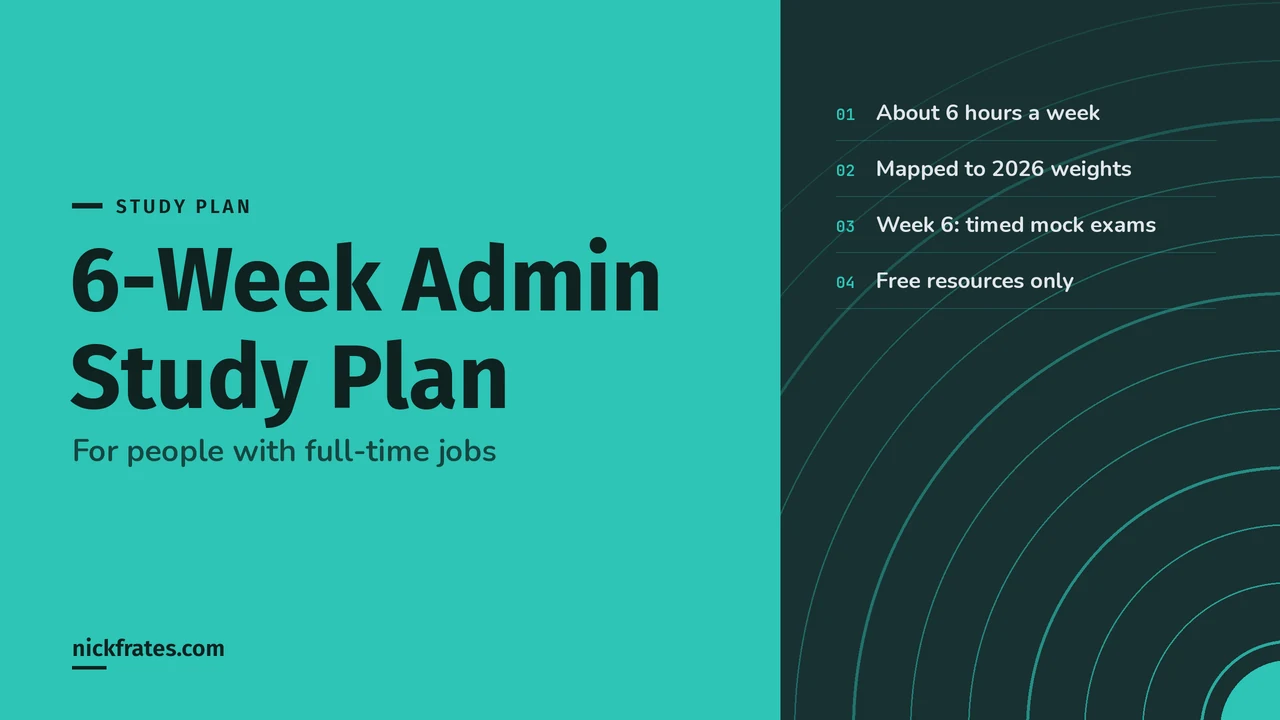
This 6-week Salesforce Admin study plan needs about 6 hours a week: 45 minutes on four weeknights, 2 hours on Saturday, and a short Sunday review. It follows the 2026 exam weights, puts the biggest sections first, and ends with a full week of timed practice exams before you book.
It's built for people with a full-time job and some exposure to Salesforce. If you've never logged into an org, plan on 8 weeks and repeat weeks 1 and 2. If you just want the exam facts, read my Admin certification guide first.
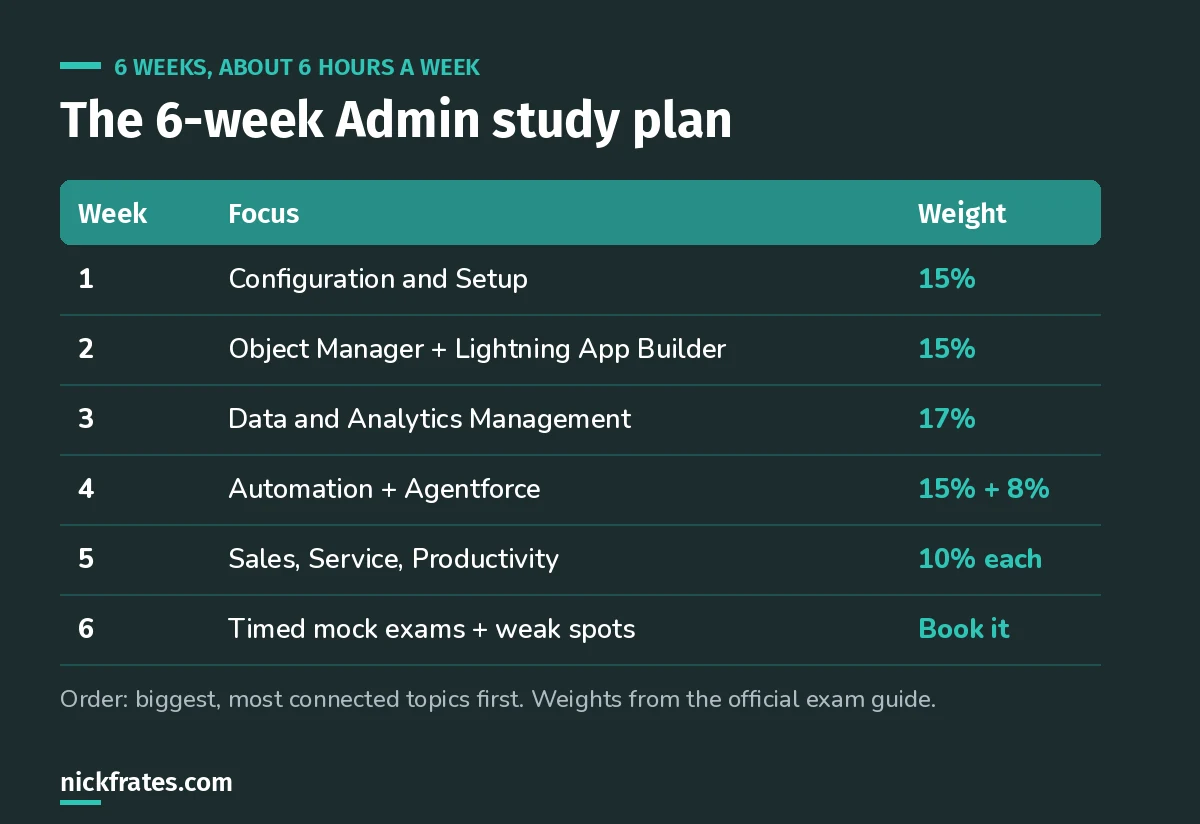
The whole plan on one screen.
Cert Lab by Nick Frates
Start the free Admin Cert Lab
Lessons, practice questions and flashcards for the Salesforce Platform Administrator exam, in one free course.
Start the free Admin Cert Lab →Why this order
The official exam guide splits the exam into 8 sections. Since the December 15, 2025 refresh, Data and Analytics Management is the biggest at 17%, four sections sit at 15% or close to it, three are 10%, and Agentforce is 8%.
I don't go strictly by weight, though. Week 1 is Configuration and Setup because users, profiles and sharing come up inside almost every other section. You can't reason about a report's visibility in week 3 without knowing the sharing model from week 1.
The weekly rhythm
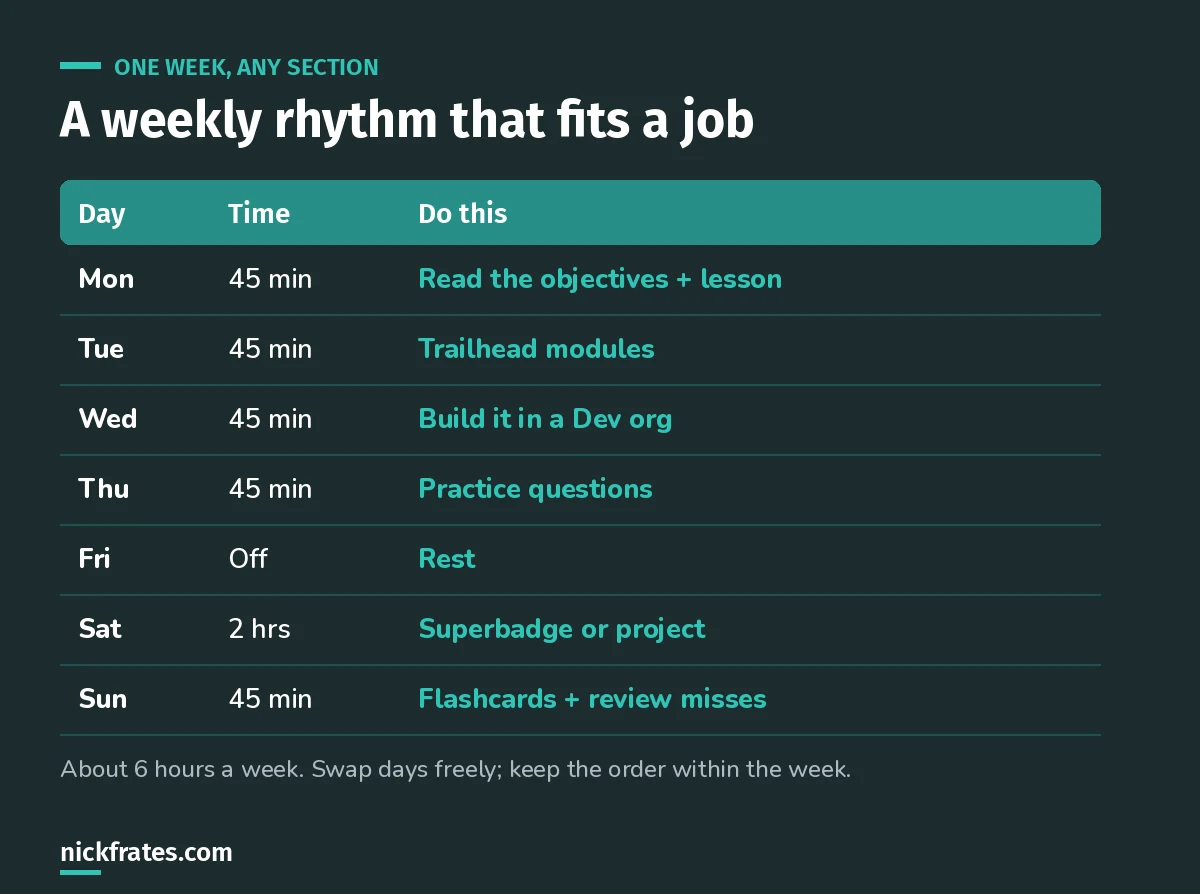
Same rhythm every week.
The key night is Wednesday. Reading about a permission set group is not the same as building one. Sign up for a free Developer Edition org and do every topic with your own hands. That's what turns a 60% topic into an 80% one.
Sunday is for your misses. Keep a simple list of every practice question you got wrong and why. Re-read that list every Sunday. By week 6, it's your personal cram sheet.
Week 1: Configuration and Setup (15%)
- Company settings: fiscal year, business hours, currency.
- Users: licenses, why you deactivate instead of delete, freezing.
- Security controls: login hours, session settings, Setup Audit Trail.
- Sharing model: org-wide defaults, roles, public groups, sharing rules.
- Profiles vs permission sets vs permission set groups, including muting.
Done when: you can explain why a sharing rule can never restrict access, only open it.
Week 2: Object Manager and Lightning App Builder (15%)
- Lookup vs master-detail vs junction objects.
- Record types, business processes and page layouts.
- What breaks when you delete a field (roll-ups, cross-object formulas, dependencies).
- Lightning pages, quick actions, global actions.
Saturday: start the Object Relationships superbadge, which the exam guide recommends.
Done when: you can say which relationship type lets you build a roll-up summary, and why.
Week 3: Data and Analytics Management (17%)
- Data Import Wizard vs Data Loader, and when each one fits.
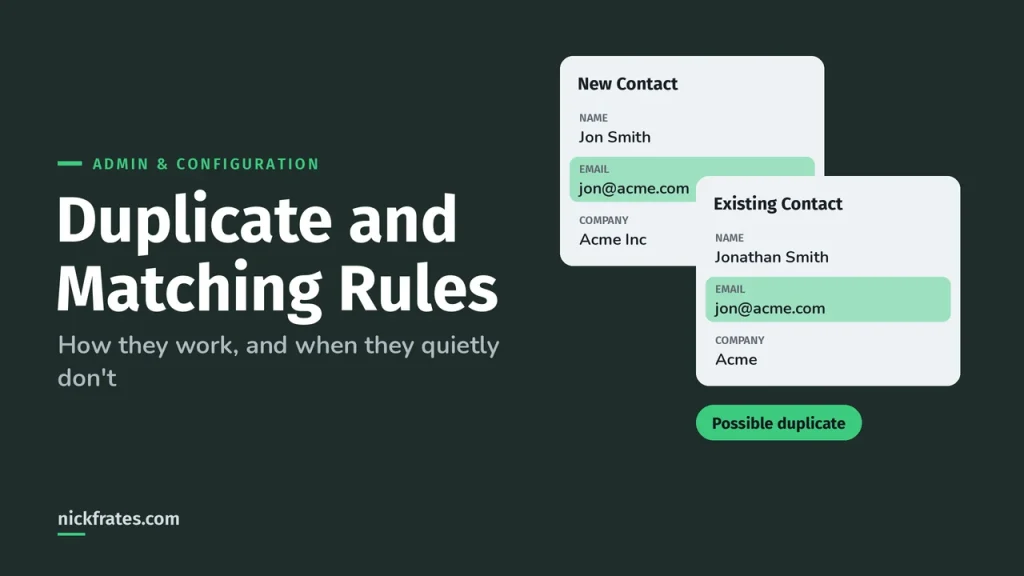
- Validation rules vs duplicate and matching rules.
- Report types, bucket fields, joined reports, summary formulas.
- Dashboards: running user, dynamic dashboards, filters, subscriptions.
- How sharing changes what each person sees in a report.
Done when: you can explain why two people running the same report can see different totals.
Week 4: Automation (15%) and Agentforce (8%)
- Flow types: screen, record-triggered, autolaunched.
- Assignment rules vs escalation rules vs approval processes.
- The default automation user and order of execution.
- Agentforce: when AI fits, agent permissions, editing instructions and testing in conversation preview.
Saturday: the Flow Administration superbadge. The Salesforce Admins blog says the Agentforce section doesn't expect you to be an Agentforce expert, so keep it to one night.
Week 5: the three 10% sections
- Sales and Marketing: leads, lead conversion, opportunities, Path, campaigns.
- Service and Support: cases, queues, assignment, auto-response and escalation rules.
- Productivity and Collaboration: tasks and events, Chatter, the mobile app, AppExchange.
These are lighter, so one section on Monday and Tuesday, one Wednesday and Thursday, and one on Saturday works.
Week 6: timed practice and booking
- Monday: a full 60-question timed practice exam, 105 minutes, no notes.
- Tuesday to Thursday: study only the sections where you scored lowest.
- Saturday: a second full timed exam.
- If you scored 75% or more on both, book the exam. If not, add one more week on your weakest two sections.
- If you're testing online, run the Pearson VUE system test on the same computer and network you'll use on exam day.
For the exam-day side, read how to pass the Admin exam on your first try. It covers the eight traps and how to pace 105 minutes.
If you miss a week
You will. Don't restart. Push the plan back one week and keep going. The only part I wouldn't cut is week 6; a timed mock exam is the best predictor you have.
Free resources for each week
- The official Trailmix, grouped by exam section with weights.
- My Admin study guide, one section per objective.
- 25 free Admin practice questions.
- The free Admin Cert Lab, with all 8 exam sections live.
- Comparing paid options? See the best Admin certification courses in 2026.
Cert Lab by Nick Frates
Follow the plan inside the free Admin Cert Lab
Short lessons, practice questions with an explanation for every option, Try-it steps and flashcards. No card, no trial.
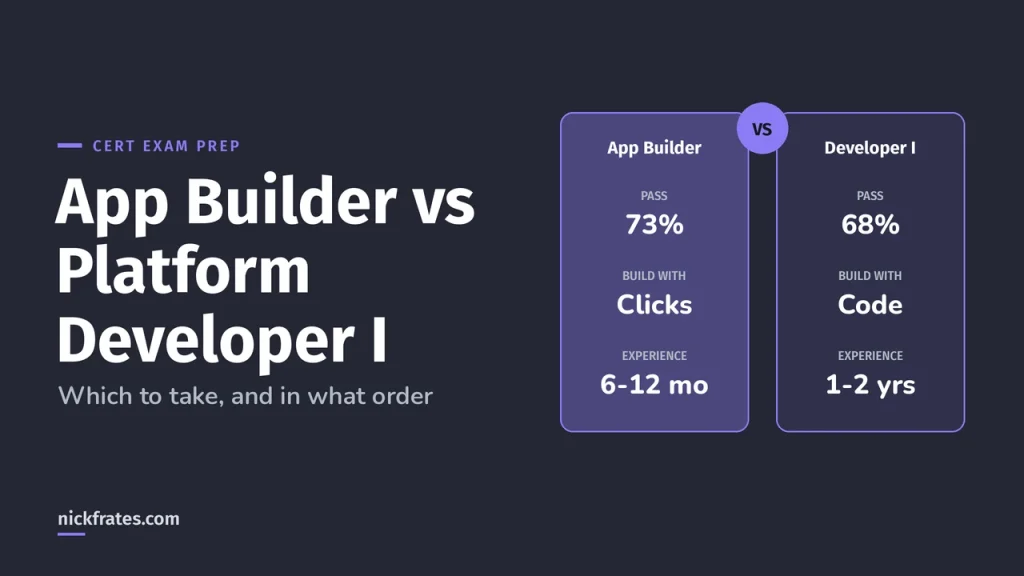
Start the free Admin Cert Lab →Not sure Admin is the right first cert? Read Admin vs Platform Developer I.
Go deeper on the biggest weeks: the Salesforce security model explained (week 1), reports and dashboards and Data Import Wizard vs Data Loader (week 3), and how to prepare for free.
Hope this helps!
Best,
Nick